Inspired Ceramics
Click on this text to start editing and enter your own text with some basic formatting. Just click anywhere outside the text box when you're done to continue working on the rest of your page.
Call to action headline!
Heading Text
Featured Items
Elements like this introductory text can often be hidden in the block settings
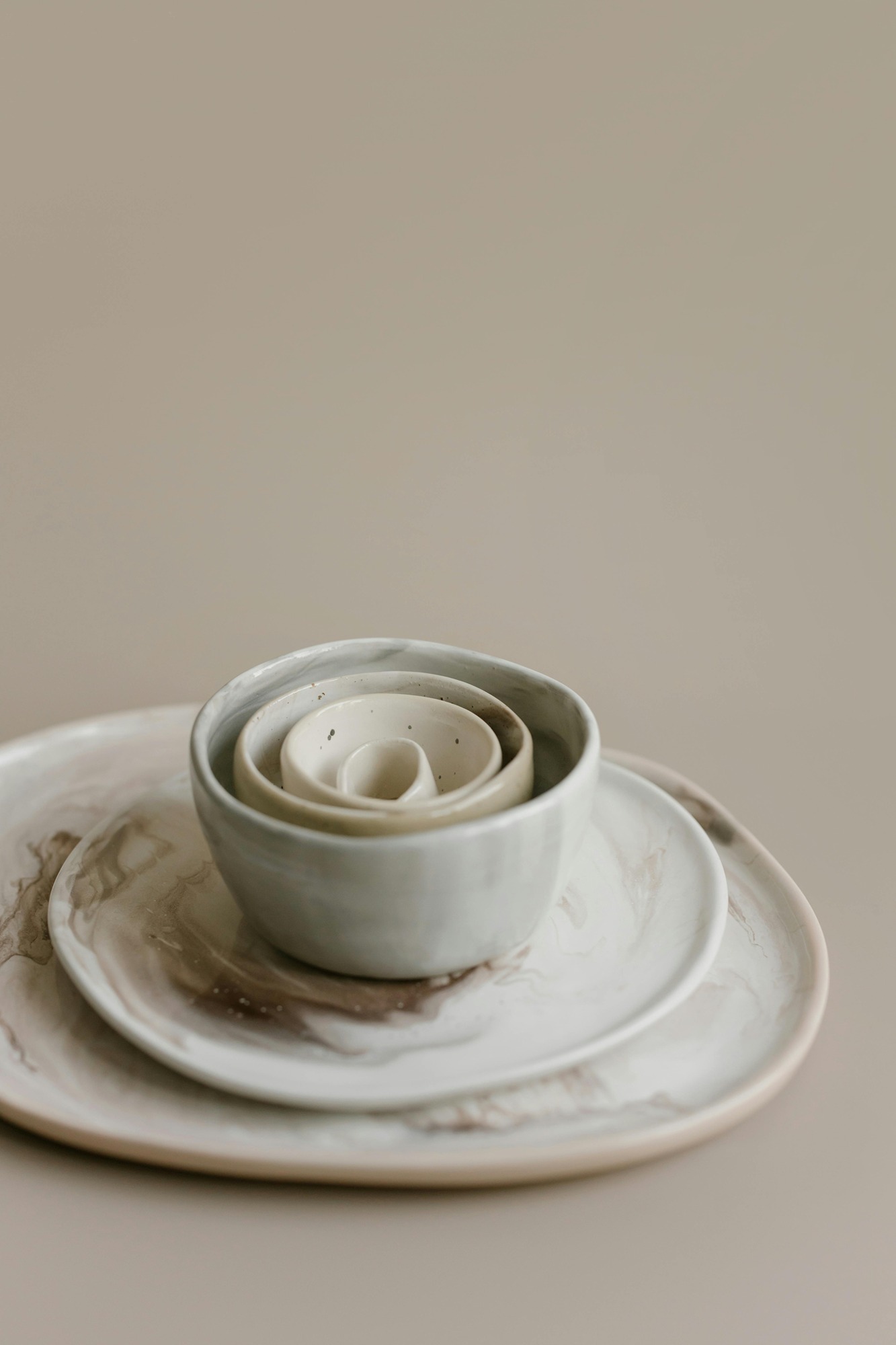
Product Title
£19.99
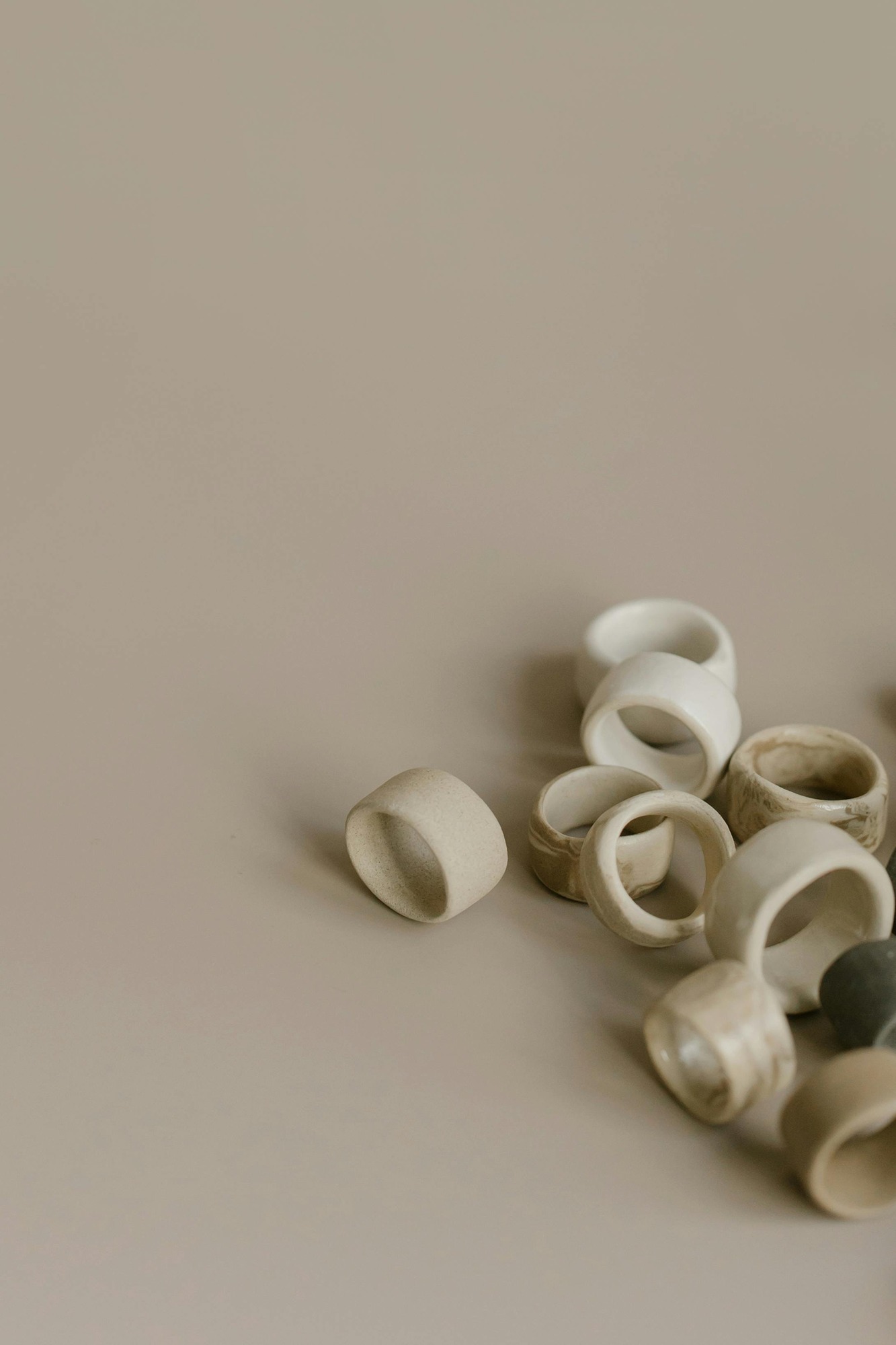
Product Title
£4.99
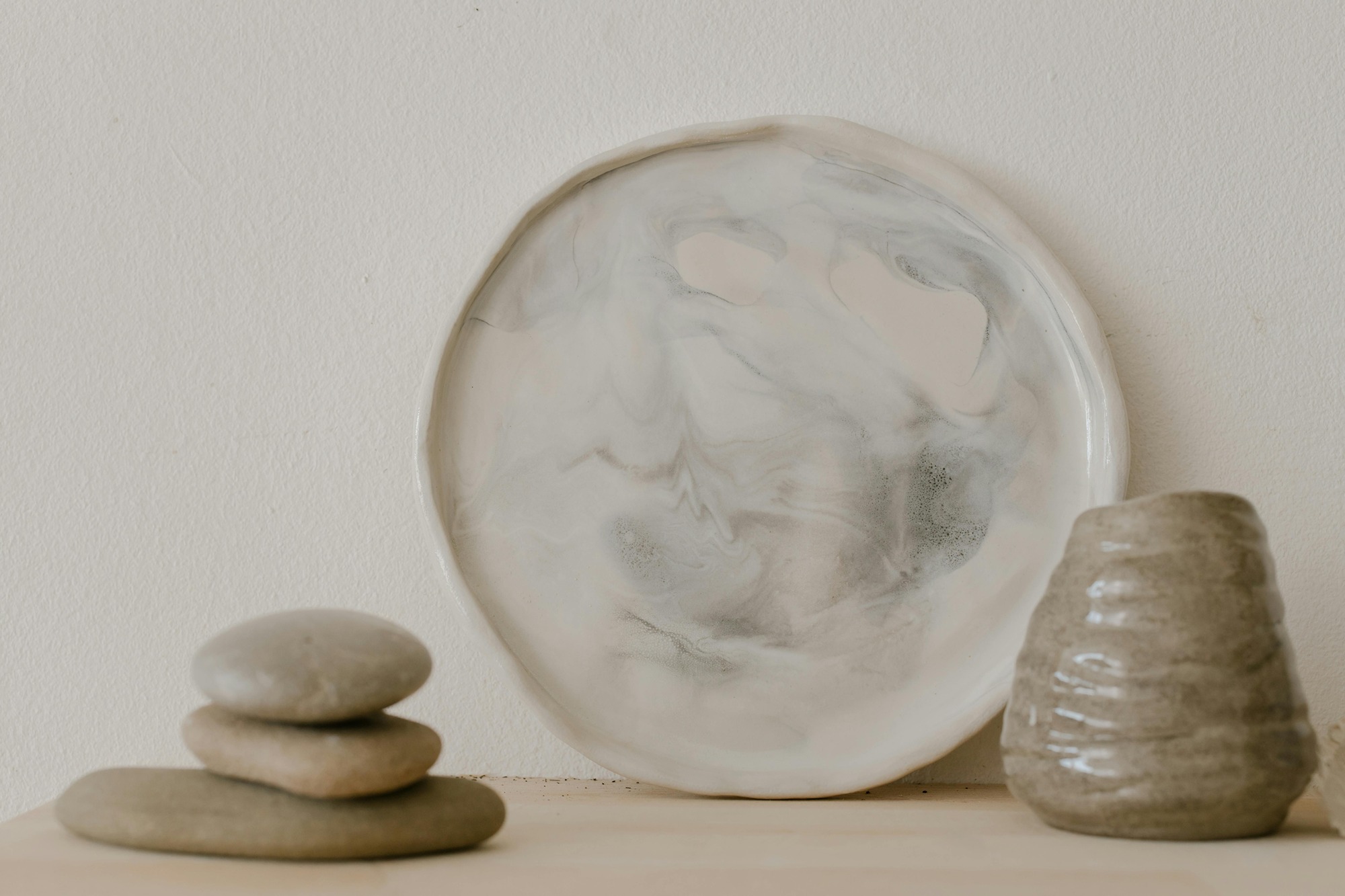
Product Title
£24.99
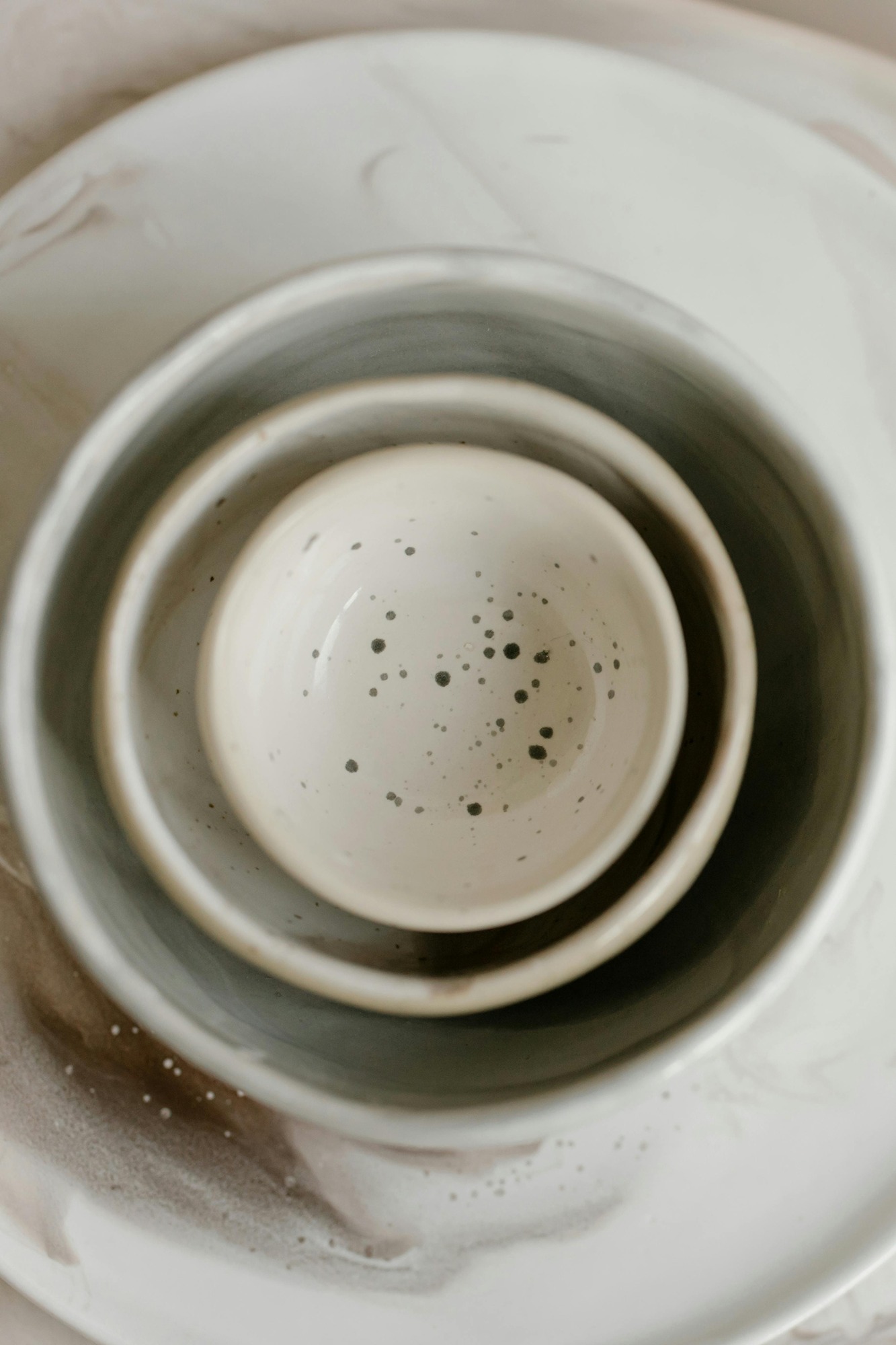
Product Title
£8.99
Unique Design
This is an Image & Text block. Click on this text to start editing and enter your own text with some basic formatting. Just click anywhere outside the text box when you're done to continue working on the rest of your page.
To change the layout and appearance of a block, such as the size of its images and columns, click on the Change Layout button on the block toolbar, to the right of each block.

Heading Text
Hover your mouse over the image opposite to show the image toolbar. Image Settings lets you choose an image from your library, or upload a new one, and change related settings. On this block the image will size automatically based on the height of this content, filling the available space.